

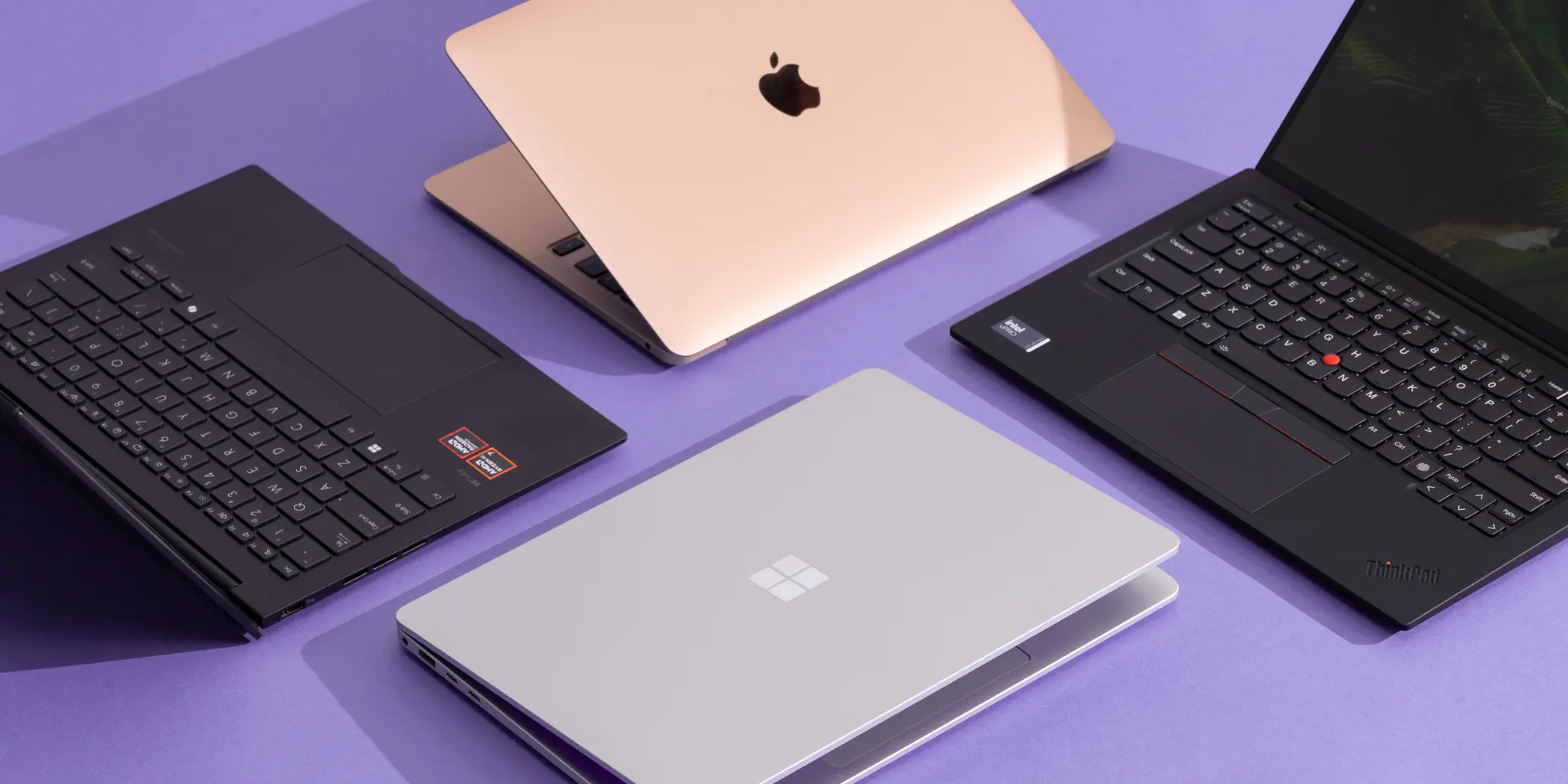
I have had this conversation more times than I can count. Someone buys a laptop at Costco for $300, hands it to a paralegal or a bookkeeper, and calls it a day. Six months later, they’re on the phone with me, wondering why everything is slow and what we’re going to do about it.
What I tell them is that the $300 laptop and the $1,300 laptop look almost identical in the store: same screen, same keyboard, same ports. On the surface, they act the same, too, for about the first three months. After that, the differences become very clear, and they’re the kind of differences that cost you real money.
What You’re Paying For
Consumer-grade laptops sold at big box retailers are built to a price point. That’s not an opinion, it’s a manufacturing reality.
The components inside a budget machine are sourced for cost, not durability. The processor handles basic tasks but struggles under the load of business software. The storage drives are slower and wear out faster. The build quality is lighter because lighter means cheaper materials, and cheaper materials mean shorter lifespans. Memory is often the minimum required for the thing to boot.
Business-class laptops are built differently. The processors are selected for sustained workloads. The storage is faster and rated for higher read-write cycles. The chassis is more durable because the people buying them need them to last four or five years, not one or two. Quality assurance testing is more rigorous because the buyer notices when a machine fails.
None of that is marketing. It’s component selection.
The Real Math on Cheap Technology
A $300 laptop that lasts two years before becoming a productivity problem costs your firm significantly more than the purchase price.
Consider what happens when that machine starts underperforming. Staff spend time waiting on slow load times. IT support time goes up. If the device fails outright, you’re dealing with downtime, potential data recovery costs, and the disruption of getting a replacement deployed quickly. Factor in lost billable hours for the person who can’t work normally during any of that.
Research cited by Atlassian puts the average cost of IT downtime at $5,600 per minute, and a failing laptop is a reliable, recurring source of exactly that kind of unplanned outage.
A $1,300 machine that stays reliable for four to five years, with minimal support overhead, almost always wins on total cost. The math isn’t complicated once you stop looking at the purchase price in isolation.
The Quality Decline Problem Nobody Talks About
This topic is personal for me. I was a Dell advocate for years: reliable machines, consistent business-line products, and good support. I can’t say that anymore. I won’t recommend most of their consumer products today, and I’m not alone in that assessment.
The decline in the quality of technology hardware has been real and measurable over the past decade. What most people don’t know is why.
Before the pandemic, a series of disasters hit semiconductor and component manufacturers across Asia, particularly in Taiwan, Japan, and Malaysia. Floods, fires, and factory shutdowns degraded supply chains that had taken decades to build. That infrastructure has not fully recovered.
Then the pandemic hit, which compounded everything. Component shortages forced manufacturers to substitute materials and suppliers at every level of the supply chain. Some of those substitutions became permanent because the economics worked in the short term.
Layered on top of that is a straightforward business reality: public companies face relentless pressure to extract margin from their products. The easiest place to find margin without raising prices is to reduce the quality of what’s inside the box. Consumers rarely crack open their laptops to inspect the components. That created an opening, and many manufacturers took it.
The result is that you cannot shop by brand name the way you could ten years ago. A brand that produced excellent business hardware in 2015 may be producing mediocre hardware today from the same product line.
What This Means for Device Lifecycle Management
Workstation setup and deployment for professional services firms need to account for all of this.
A replacement cycle of four to five years is standard guidance for business-class hardware, but only if you’re buying business-class hardware to begin with. Consumer devices often can’t make it that far without significant performance degradation, which means you’re replacing them more frequently and paying IT support costs along the way.
The firms I work with that invest in quality hardware upfront have more predictable technology budgets and fewer emergency support calls. The ones that buy cheap get a short-term win on the purchase order and a long-term headache on everything else.
Spend $1,300 on a machine that your attorney or accountant uses reliably for five years, and you’ve spent $260 per year on that device. Buy a $300 machine that needs replacing in two years, and the per-year cost is $150 before you count a single hour of downtime or support.
The numbers get closer than people expect.
A Practical Buying Framework
When I’m advising firms on device procurement, I look at a few specific factors.
What software are these users running? Tax and legal software is resource-intensive. A machine sized for web browsing and email will struggle with it. Match the device to the actual workload, not to the lowest acceptable price.
Who is the user? A partner at a law firm or a CPA signing off on returns needs a reliable machine without fail. An intern doing administrative work might be fine with something less expensive. Not every seat requires the same investment.
What’s the warranty and support structure? Business-class machines from reputable manufacturers typically come with on-site service warranties. Consumer devices don’t. For a 50-person professional services firm, that distinction matters when something breaks.
Finally, what does replacement cost your firm? Include IT labor for setup and deployment, any data migration, and the disruption to the person whose machine just died.
Once you factor all of that in, the $300 laptop rarely looks like the savings it appeared to be at checkout.
Technology planning for business growth means treating your devices as assets rather than expenses. A device lifecycle management strategy, built around quality hardware and realistic replacement cycles, will cost your firm less over time and save you more headaches than I can count.
If you’re not sure whether your current hardware is serving your team well or quietly costing you, reach out. We do this assessment regularly for professional services firms across Southern California, and the conversation doesn’t cost you anything.


